


Explore how IT security technologies can create hidden risks when layered without a plan.

October 23, 2026
Adding more security tools without reviewing your current setup often weakens your overall defense. This approach can increase costs and create new vulnerabilities instead of closing old ones.
Every security tool a small business adds is supposed to close a gap, yet it opens a connection point of its own: a new firewall, a new endpoint agent, a new scanner, each one now has to talk to everything already running.
When that handoff doesn't happen cleanly, the tools stop reinforcing each other and start working past each other instead.
A single gap, like two tools that never share alerts, is enough for a threat to pass through unnoticed, and stacking on more tools only makes that gap harder to find. The fallout isn't only technical, either: costs climb, someone has to manage a growing pile of alerts, and the business is left believing it's protected when it isn't.
IT security technologies exist to protect sensitive information, keep operations running, and maintain customer trust, so when the setup expands without a plan behind it, confusion is what fills the space meant for clarity. Understanding how the pieces interact matters as much as picking the pieces themselves.

More tools feels like more protection, but skipping a review of the current setup before adding one turns that instinct against itself. Each tool handles things its own way, and when those ways don't line up, blind spots open in the space between them.
Two tools might both scan for malware, for instance, yet miss each other's findings if neither shares what it sees. A new firewall can just as easily block traffic that another tool depends on monitoring, leaving the business less covered than before the firewall went in.
Once tools start overlapping or working against each other, the team inherits the cleanup: duplicate alerts to sort through, conflicts to troubleshoot, time pulled away from the threats that actually matter.
That drag shows up in the budget too. Every added tool brings its own price tag, plus the training, support, and upkeep that come with it, and the spending compounds until it's eating resources that a coordinated strategy would have used far better.
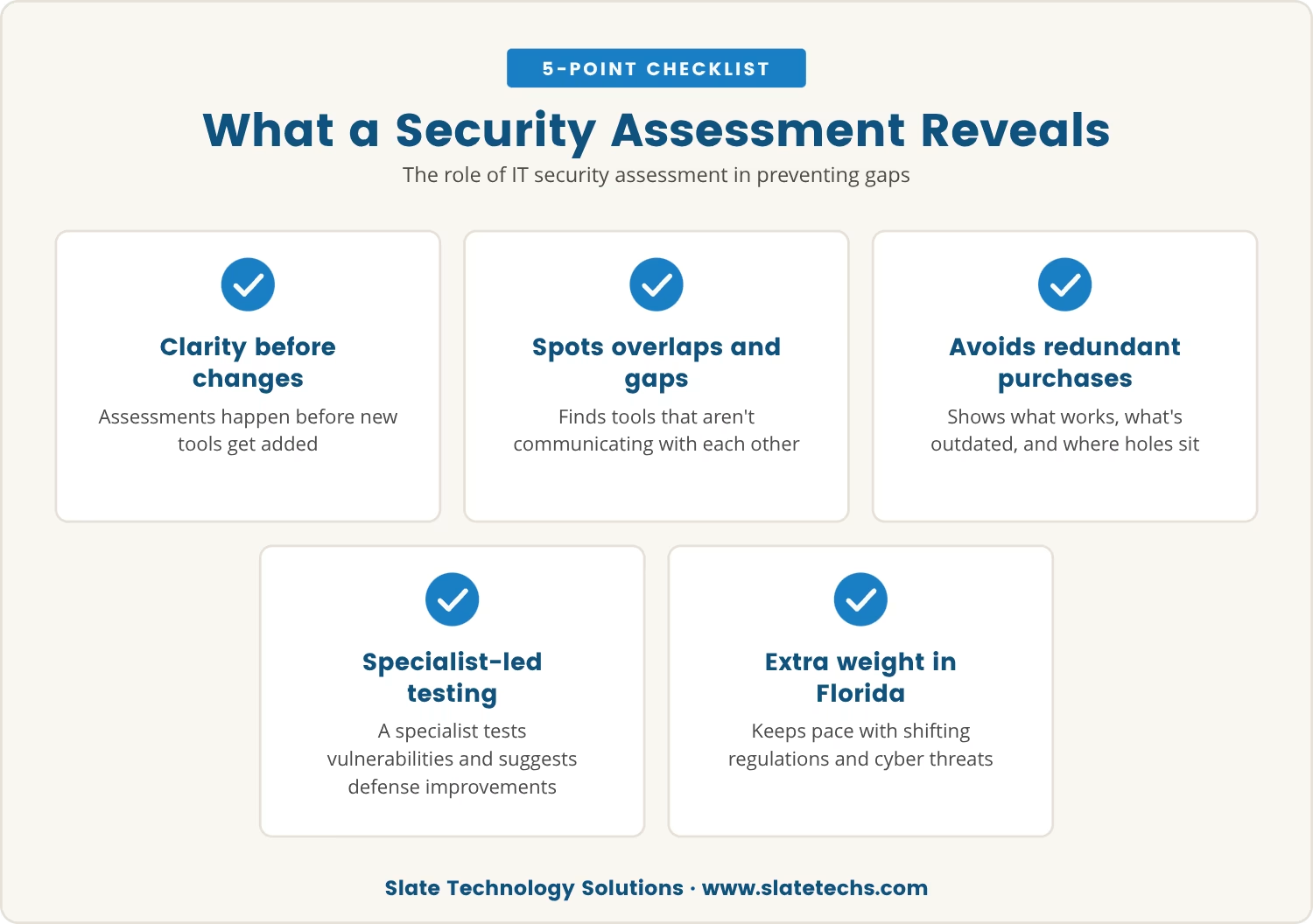
Since backfires like these start with tools added blind, the fix starts with seeing clearly first: a thorough IT security assessment, run before anything new gets bolted on. It examines the current setup, flags overlaps, and surfaces the places where tools aren't communicating.
Reviewing the existing lineup this way shows what's earning its keep, what's outdated, and where the holes actually sit, which heads off the common trap of buying tools that duplicate what's already there or simply don't fit the environment.
An IT security specialist can walk through this process, testing for vulnerabilities and recommending changes aimed at strengthening the defense rather than adding another layer of complexity to it.
In Florida, where both regulations and cyber threats keep shifting, that kind of regular assessment carries extra weight, keeping a business ahead of new risks while staying aligned with local compliance rules.
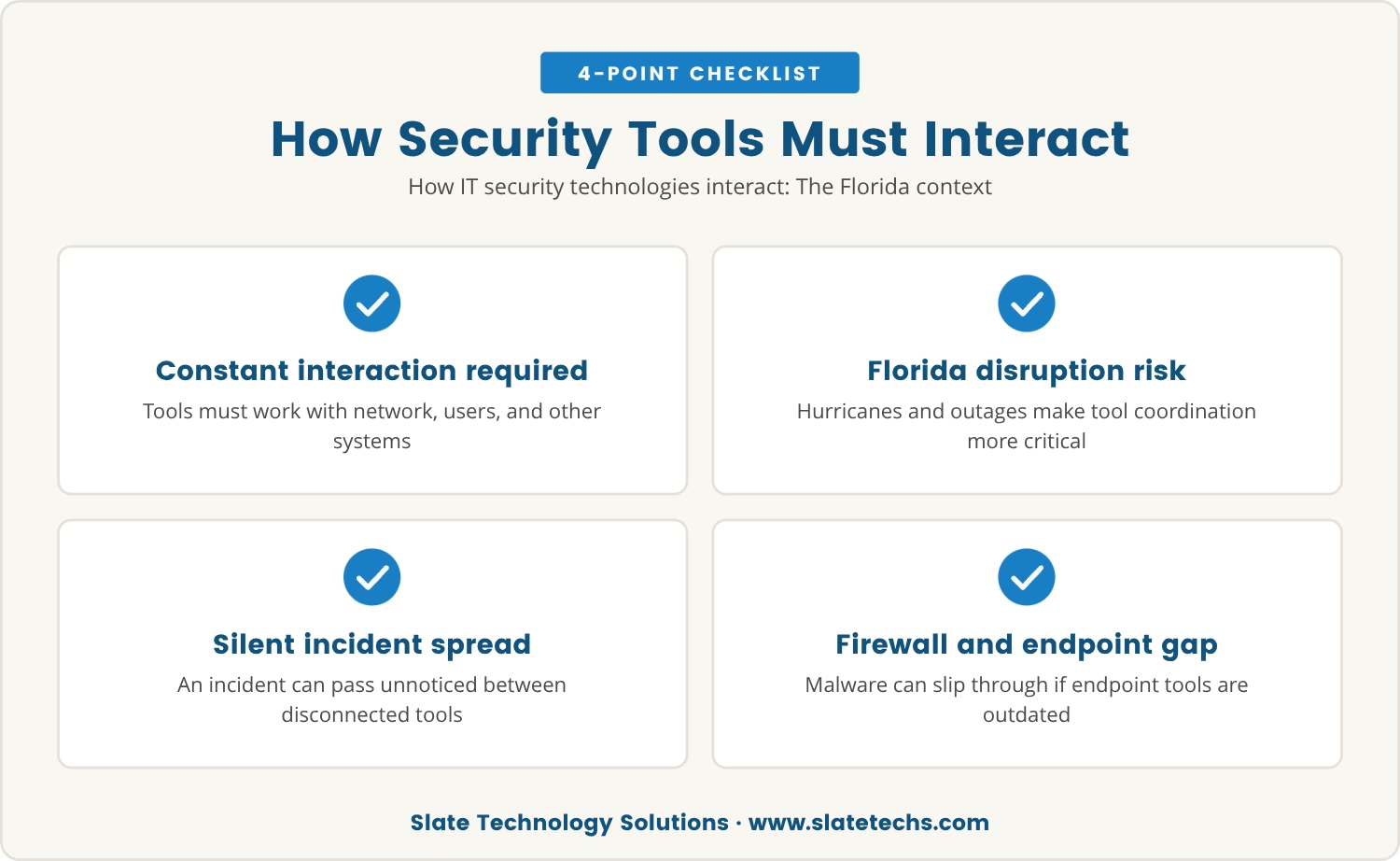
No security tool operates alone; once installed, it has to interact constantly with the network, the users, and every other system already in place. In Florida, where hurricanes and power outages regularly disrupt IT infrastructure, knowing exactly how those tools work together matters even more, since disruption itself becomes a recurring variable.
When the tools don't communicate, an incident on one system can pass silently through another. A firewall might stop an unauthorized access attempt, say, but if the endpoint security tool behind it hasn't been updated, malware slips through regardless.
That's the case for mapping out how the security technologies connect to each other. Do the tools share data in real time? Can the team respond fast when something breaks? Answering those questions honestly tends to reveal weaknesses before an attacker does.
A security setup can turn into a liability quietly, with the warning signs easy to overlook until they stack up. Watch for:
Any of these showing up is a signal to review the existing stack before adding anything further.
Since a messy stack causes most of these problems, coordination is what turns the tools into allies instead of obstacles. A few practices make that possible:
Followed consistently, these steps build a strategy that's strong without being a burden to manage.
That same push toward coordination is shaping where security technology is headed next: away from a patchwork of separate tools and toward integrated platforms that combine threat detection, incident response, and reporting in one system, making attacks easier to spot and stop.
That shift lets a business get more out of a handful of reliable systems instead of juggling many, which in turn shrinks the risk of gaps opening between tools that were never designed to talk to each other.
Fewer, better-integrated solutions tend to mean stronger defenses and lower costs at the same time, a combination that protects sensitive data while keeping daily operations running smoothly.
Another tool can look like the obvious next move, but without a careful look at what's already running, it's just as likely to cause harm as prevent it. Real strength comes from how well the existing tools work together, not from how many are stacked on top of each other.
Assessing, coordinating, and simplifying the technologies already in place protects the business from both hidden risk and wasted spending, which makes a thoughtful approach the better defense in the end.

If you’re managing IT security for a business with 45 to 100 users, you might be wondering if your growing stack of tools is really keeping you safe. At Slate Technology Solutions, we know how easy it is for complexity to create new risks instead of solving old ones.
Let’s take a closer look at how your security setup works as a whole. We invite you to see how our team approaches security planning and helps businesses like yours avoid hidden gaps.
Sign a 3-year contract with us and get 3 months of service free—an easy way to boost your security while saving money.
Duplicate alerts, slow response times, and unresolved security issues are all signs that tools aren't working together as intended. A regular IT security assessment can pinpoint exactly where overlaps or gaps exist so they get addressed before becoming a real problem.
Running too many types of IT security solutions tends to create confusion, drive up costs, and let threats slip through unnoticed. When the tools don't integrate well, managing alerts and responding to incidents quickly becomes harder, raising the odds of a breach.
Mapping out the current security setup and identifying overlaps or gaps is the starting point. Pairing that with an IT security specialist to coordinate the tools around real threats, plus regular reviews and team training, keeps the practices effective over time.
Both matter, but the right priority depends on where the sensitive data actually lives and how the team works day to day. Heavy reliance on cloud applications points toward securing those first, while a workforce spread across many devices makes endpoint security the more urgent concern.
Following trusted sources and consulting with IT security specialists keeps a business informed without forcing it to chase every new release. The better approach favors solutions that integrate well with what's already running and address specific, known risks rather than adding tools for their own sake.