


Explore how IT security technologies can create hidden risks when layered without a plan.

October 23, 2026
Four core infrastructure components—compute, storage, network, and identity controls—quietly determine whether cloud management stays simple or becomes a burden. Knowing these lets you judge any provider or contract before you commit, instead of finding gaps after migration.
Picture a business that spends months planning its move to the cloud, only to discover that daily management is harder than any sales pitch let on. The gap usually traces back to a handful of technical details nobody mentioned up front.
Those details don't vanish once the migration finishes - they surface in the routines that follow. Cloud infrastructure is more than servers and storage sitting in someone else's data center; it's the entire set of systems and controls that keep applications running, data safe, and a team productive. The real work of managing cloud systems starts after migration, not before.
That timing matters because it's easy, when you're shopping for a cloud service, to focus on price or on broad promises instead of what happens later. What actually decides whether a cloud environment stays manageable comes down to four areas: compute, storage, network, and identity controls. Miss just one, and a setup that looked smooth on paper turns into a daily headache.

A cloud setup can look well-designed and still become hard to manage if its architecture skips a few core pieces, and the gap rarely shows itself right away. Reliable systems and a trusted provider can sit on top of a structure that's missing something underneath, and the cracks only show up over time.
A cloud environment that doesn't clearly separate compute from storage, for instance, makes upgrades riskier and troubleshooting slower. Network design treated as an afterthought tends to produce random slowdowns or outages that are hard to trace back to a cause. Weak identity controls, in turn, make it confusing and risky to manage who can access what.
None of this tends to appear on day one. It builds as a team grows, as data expands, or as new applications and services get added, and what started as a minor inconvenience turns into a regular source of stress - especially for businesses in Florida, where regulations and security standards leave little room for error.
The lesson follows directly: the details of a cloud architecture matter more than anything in the sales pitch. Checking for these four components before signing a contract heads off the bigger problems that show up later.
Those same four components decide whether cloud management feels simple or overwhelming. Each plays a different role, but together they determine how much control and clarity a business has over its systems - here's how each one shapes the daily experience.
Compute resources are the virtual machines or containers that run the software. A provider offering flexible options - scaling up or down quickly - lets resources match real needs without waste or delay.
Cloud storage is about more than raw capacity; it's about knowing how data is organized, how it's backed up, and how fast it can be recovered. A good setup makes it easy to expand, secure, and retrieve files as the business changes.
A well-designed network keeps systems fast and reliable, covering how data moves between cloud resources, the office, and the outside world. Poor network planning, by contrast, tends to show up as bottlenecks, outages, or security gaps.
Identity controls decide who can log in, what they can see, and what they can change. Strong identity management makes it possible to add or remove users, set permissions, and keep sensitive data safe from mistakes or attacks.
Cloud infrastructure management is the ongoing work of keeping systems running smoothly, secure, and current, and each of the four components above changes what that work actually looks like day to day.
Compute resources that are easy to adjust mean fewer hours spent tracking down performance issues. Storage that's organized and backed up means data loss gets avoided and recovery from mistakes happens quickly. A solid network translates into fewer unexplained outages and easier troubleshooting, while strong identity controls make it possible to onboard new staff or contractors without opening up security risk.
Weak or missing controls in any one of these areas, on the other hand, mean more manual work, more risk, and more time spent fixing problems instead of improving the system. For a business with 45 users, even small inefficiencies compound quickly.
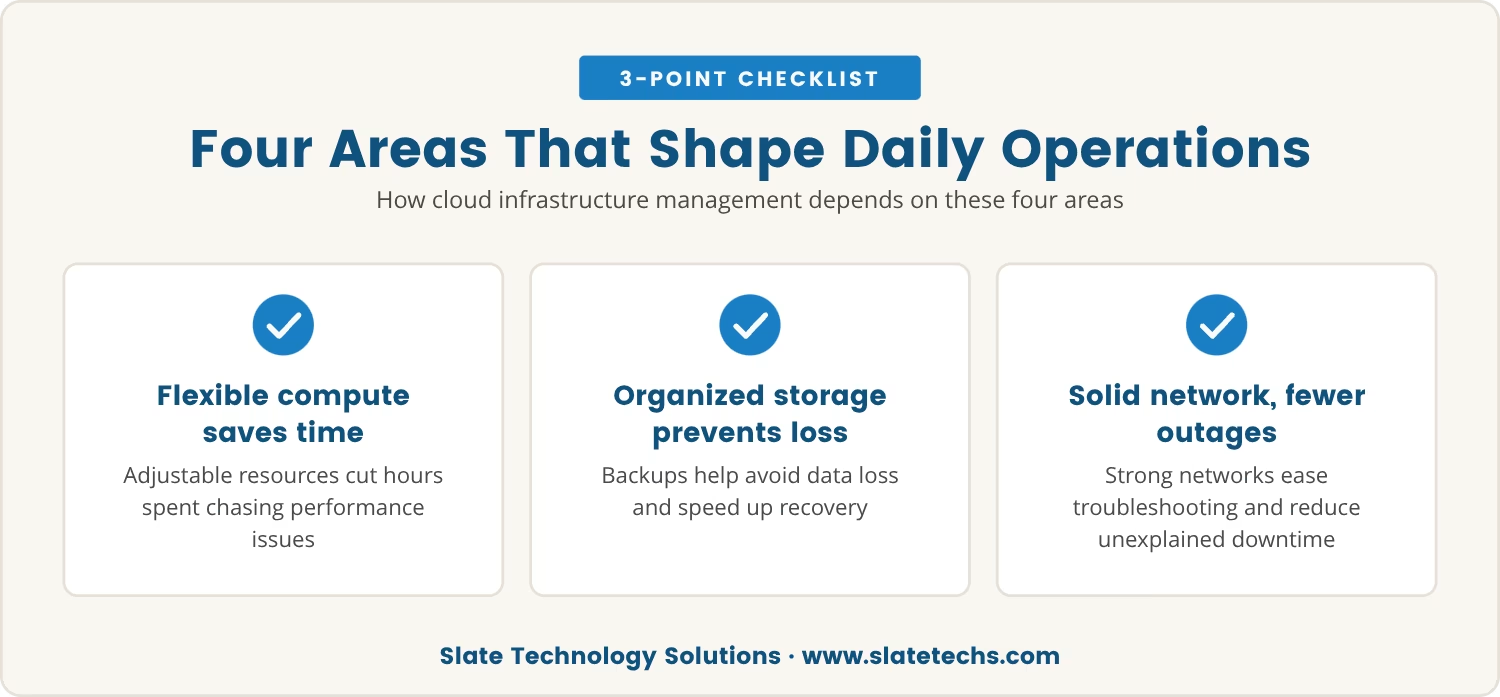
Before committing to a cloud provider, a few direct questions about these four components are worth asking up front. The checklist below helps spot gaps before they turn into problems:
A provider able to answer these clearly is far more likely to deliver a cloud solution that stays manageable as the business changes.
Those same questions carry extra weight when it's time to choose between public cloud, private cloud, or hybrid cloud models, since that choice isn't purely technical. For businesses in Florida, local regulations, data privacy laws, and disaster recovery needs all shape which model actually fits.
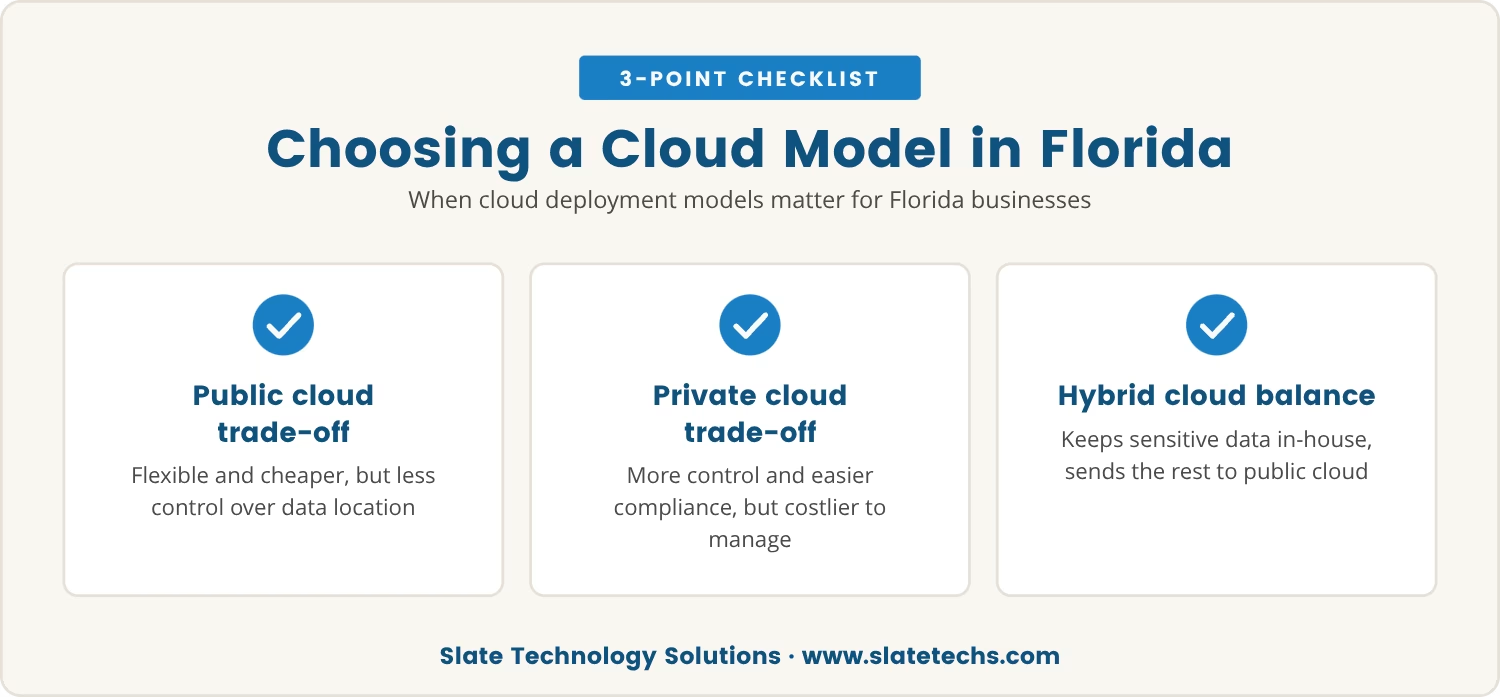
Public cloud infrastructure brings flexibility and lower upfront costs, though it often means less control over where data physically sits. Private cloud offers more control and can ease compliance, but typically costs more and demands more hands-on management. Hybrid cloud splits the difference, keeping sensitive data in-house while routing less critical workloads to public resources.
Understanding how each model handles compute, storage, network, and identity controls makes it possible to match the choice to real needs rather than to whatever sounds best on paper.
Not every provider is equally transparent about its infrastructure services, and that gap in transparency is often the first warning sign. Vague answers about data storage, unclear network diagrams, or limited options for user management all point the same direction.
A provider unable to show exactly how its cloud platform handles each of the four key components is a provider worth questioning further. Specifics matter more than general reassurances here - the right provider explains its cloud computing infrastructure in plain terms and can show how it supports the business goals in front of it.
Price rarely turns out to be the biggest risk in a cloud strategy; the hidden cost of gaps in the infrastructure usually is. Discovering missing controls only after migration tends to mean downtime, security incidents, or expensive fixes.
Focusing on compute, storage, network, and identity controls before signing protects against those surprises, and it gives a clear, repeatable way to judge any cloud model or provider, no matter how complex the offer sounds.

Many businesses with 45 to 100 users find that cloud management gets complicated when the basics aren’t covered from the start. At Slate Technology Solutions, we see how a few missing details can turn a smooth migration into a daily struggle.
If you want to see how we approach cloud infrastructure decisions—or just want to talk through your current setup—we’re here to help you find the right fit for your business.
Sign a 3-year contract with us and get 3 months of service free—an easy way to start with confidence and save on your cloud infrastructure.
Public cloud infrastructure is owned and operated by third-party providers and shared among multiple customers. Private cloud is dedicated to a single organization, offering more control and customization but often at a higher cost. The right choice depends on security, compliance, and flexibility needs.
Hybrid cloud makes it possible to keep sensitive workloads on a private system while using public cloud resources for less critical tasks. That balance helps manage costs, meet compliance requirements, and adapt quickly as the business grows.
Look for features like multi-factor authentication, detailed permission settings, and easy onboarding or offboarding of users. Strong identity controls reduce the risk of unauthorized access and make daily management simpler.
Infrastructure as a service provides virtualized computing resources over the internet, such as servers, storage, and networking. Unlike software as a service (SaaS), IaaS allows more control over the cloud environment, but it also demands more management from an IT team.
Switching between cloud deployment models - such as moving from public to hybrid cloud - is possible, but it usually involves planning, data transfer, and possible downtime. Choosing a flexible provider and clarifying these options before migration is the safer path.