

Learn how does VoIP work, VoIP vs landline for business, and benefits of VoIP for small business. Discover features, setup tips, and key advantages for your team.

September 25, 2026
What we keep hearing from businesses is that they often stick with what they know—either on-premises or cloud—without fully understanding the trade-offs. The most important difference between on premises vs cloud computing is who manages your IT infrastructure and where your data lives. Industry research shows that more than half of organizations are now using some form of cloud environment, but many still rely on on-premises software for sensitive data or compliance requirements.
On-premises vs. cloud computing is about choosing between running your own servers and data center or using a third-party provider for cloud solutions. Each approach has its own pros and cons, and the right choice depends on your business needs, control and security requirements, and how much flexibility you want. Understanding these basics helps you make a decision that fits your company’s goals, whether you’re a growing enterprise or a smaller team looking for scalable cloud services.
When you compare on-premises vs. cloud computing, it’s important to know what each model actually means. On-premises means your company owns and manages all hardware, servers, and software on-site. You’re responsible for maintenance, upgrades, and security. Cloud computing, on the other hand, means your data and applications are hosted by a cloud provider and accessed over the internet. This setup can reduce upfront costs and make it easier to scale as your business grows.
Hybrid cloud is another option. It combines on-premises infrastructure with cloud solutions, letting you keep some data on-site while moving other workloads to the cloud. This approach is popular with organizations that have strict compliance requirements or need to keep certain sensitive data in-house. The key differences between these models come down to cost, control, scalability, and how much responsibility your IT team wants to take on.

Choosing between on-premises and cloud computing isn’t always straightforward. Here are some common mistakes businesses make—and how to avoid them.
Many companies only look at upfront costs. They forget to factor in ongoing expenses like maintenance, upgrades, and energy for on-premises systems. Cloud solutions often have predictable monthly fees, but costs can add up if you don’t monitor usage.
Some organizations assume cloud providers handle all security. In reality, you still need to manage access controls and compliance requirements. On-premises setups give you more direct control, but also more responsibility.
On-premises infrastructure can be hard to scale quickly. If your business grows, you may need to buy and install new servers. Cloud computing makes it easier to add resources on demand, but you need to plan for future needs.
Both on-premises and cloud environments need backup and disaster recovery plans. Don’t assume your cloud provider automatically covers everything—ask about their policies and test your own recovery processes.
Switching to cloud or hybrid cloud solutions means your team needs to learn new tools and workflows. Make sure you provide training and support to avoid productivity loss.
Just because cloud computing is popular doesn’t mean it’s right for every company. Evaluate your specific business needs and goals before making a decision.
Here are some main advantages to consider:
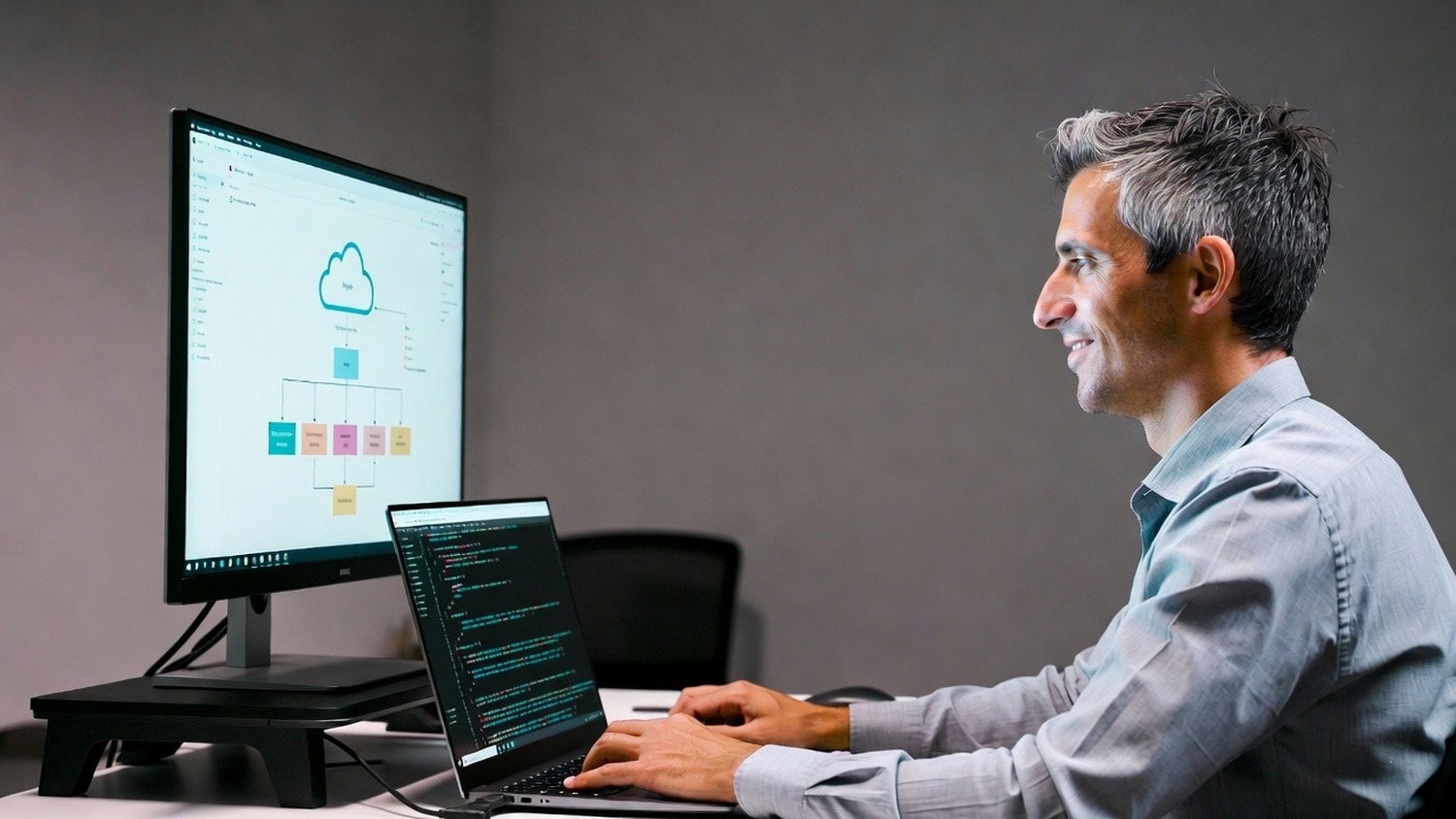
Data centers are the backbone of both on-premises and cloud computing. For on-premises, your company manages its own data center, including servers, networking, and storage. This gives you more control but also means higher costs and more maintenance. With cloud infrastructure, a third-party provider manages the physical hardware and networking. You access resources as needed, paying for what you use.
Cloud providers invest heavily in security, redundancy, and performance. This can be especially valuable for businesses that need reliable systems but don’t want to manage everything themselves. However, some organizations prefer to keep certain workloads in-house for control and security reasons. The choice often comes down to your risk tolerance, IT expertise, and the specific needs of your business.
Hybrid cloud solutions are gaining popularity because they offer flexibility. Here’s how different strategies can help you get the most out of your IT investments.
Some companies use a hybrid cloud to keep confidential data on-site while moving less sensitive workloads to the cloud. This helps with compliance and control.
Storing backups in the cloud can improve disaster recovery and reduce downtime. This approach also saves on physical storage costs.
When you need extra computing power, cloud infrastructure lets you scale up quickly without buying new hardware. This is useful for seasonal spikes or special projects.
Hybrid cloud can connect older on-premises software with modern cloud platforms, helping you get more value from existing investments.
Cloud solutions make it easier for employees to access data and applications from anywhere. This supports flexible work arrangements and improves productivity.
A hybrid approach lets you choose the best environment for each workload, optimizing both cost and performance.

When moving from on-premises to cloud—or adopting a hybrid model—you need a clear plan. Start by assessing your current infrastructure and identifying which applications are best suited for the cloud. Some legacy systems may need to stay on-premises, while others can be migrated easily.
Security, compliance, and data migration are key concerns. Work with your IT team or a trusted service provider to ensure a smooth transition. Test your new setup before going live, and make sure you have support in place for any issues that come up. The right deployment strategy can minimize downtime and help your business get the most from its investment.
To get the most out of your IT environment, follow these best practices:
A thoughtful approach helps you avoid common pitfalls and ensures your technology supports your goals.

Are you one of the 45 users looking to make sense of on-premises vs. cloud computing? If your business is growing and you need help deciding between on-premises, cloud, or hybrid cloud solutions, we’re here to guide you every step of the way.
Our team at Slate Technology Solutions specializes in helping companies evaluate their current infrastructure, plan secure migrations, and implement reliable systems that fit their needs. Whether you’re concerned about data security, compliance, or simply want to optimize costs, contact us to see how we can help you make the right choice for your business.
The main differences between on-premises and cloud computing are who manages the infrastructure and where your data is stored. With on-premises, your company owns and maintains all hardware, while cloud computing uses a cloud service provider to host your data and applications. Cloud computing services often offer more flexibility and scalability, while on-premises setups give you direct control over your systems.
A hybrid cloud solution combines on-premises infrastructure with cloud platforms, allowing you to keep sensitive data on-site while using the cloud for other workloads. This approach helps you balance security, compliance requirements, and cost efficiency. Many businesses find that hybrid cloud infrastructure offers the best of both worlds.
Private cloud gives you dedicated resources and more control, which is ideal for businesses with strict data security needs. Public cloud is more cost-effective and scalable, making it suitable for companies that want to quickly adjust compute resources. Think about your business needs, compliance requirements, and budget before deciding.
To keep your data secure in a cloud environment, choose a reputable cloud provider and set up strong access controls. Regularly review your security policies and monitor for unusual activity. Cloud storage can be very secure, but you need to stay proactive about protecting sensitive data.
On-premises software gives you full control and can be customized to your exact needs, but it requires more maintenance and upfront investment. Cloud solutions, by contrast, reduce maintenance and offer automatic updates. Consider the long-term costs and your team’s ability to manage on-site systems.
Deployment for on-premises systems usually involves installing hardware and software on-site, which can take more time and resources. Cloud computing allows for faster deployment since applications and services are accessed over the internet. This makes it easier to scale and adapt as your business changes.