

Explore IaaS vs PaaS vs SaaS, what is IaaS, and how to choose the right cloud service model for your business. Learn key differences and actionable tips.

September 11, 2026
What we keep hearing from businesses is that teams often jump into cloud computing without fully understanding which service model fits their needs best. "Choosing between IaaS, PaaS, and SaaS is about matching the right cloud service model to your business goals." Industry research shows that many companies spend more than they need to because they select the wrong type of cloud solution at the start.
If you’re exploring IaaS vs PaaS vs SaaS, it’s important to know what each model offers and how it impacts your infrastructure, budget, and operations. Each cloud service model—whether it’s infrastructure as a service, platform as a service, or software as a service—serves a different purpose. Understanding these differences helps you make smarter decisions about your apps, data, and IT resources, whether you’re using AWS, Azure, or Google Cloud. Let’s break down what sets these options apart and how you can choose the best fit for your business.
When you compare IaaS vs PaaS vs SaaS, you’re really looking at three different ways to use cloud computing. Each service model gives you a different level of control, flexibility, and responsibility. Here’s what you need to know to make the right choice.
Some businesses think more control is always better, but with IaaS, you manage more of the infrastructure yourself. This means handling updates, security, and scaling. If you want less hands-on work, PaaS or SaaS might be a better fit.
It’s easy to underestimate costs with cloud services. IaaS can seem cheap at first, but costs add up if you need lots of storage or high-performance servers. PaaS and SaaS often include more features in the price, but you may pay for extras.
If your business relies on custom apps or legacy systems, not every cloud service will work smoothly. PaaS is great for developers building new apps, while SaaS is best for ready-to-use solutions. IaaS offers the most flexibility for integration.
Choosing a service model that fits your current needs is important, but you also need to think about the future. IaaS and PaaS are easier to scale as your business grows. SaaS can be limited if you need more customization later.
Certain industries have strict rules about where and how data is stored. IaaS gives you more control over your data center and security settings. PaaS and SaaS providers may handle compliance, but you need to check their certifications.
Cloud providers usually offer reliable systems, but outages can still happen. With IaaS, you’re responsible for backup and recovery. PaaS and SaaS providers often include these features, but always check their service level agreements.
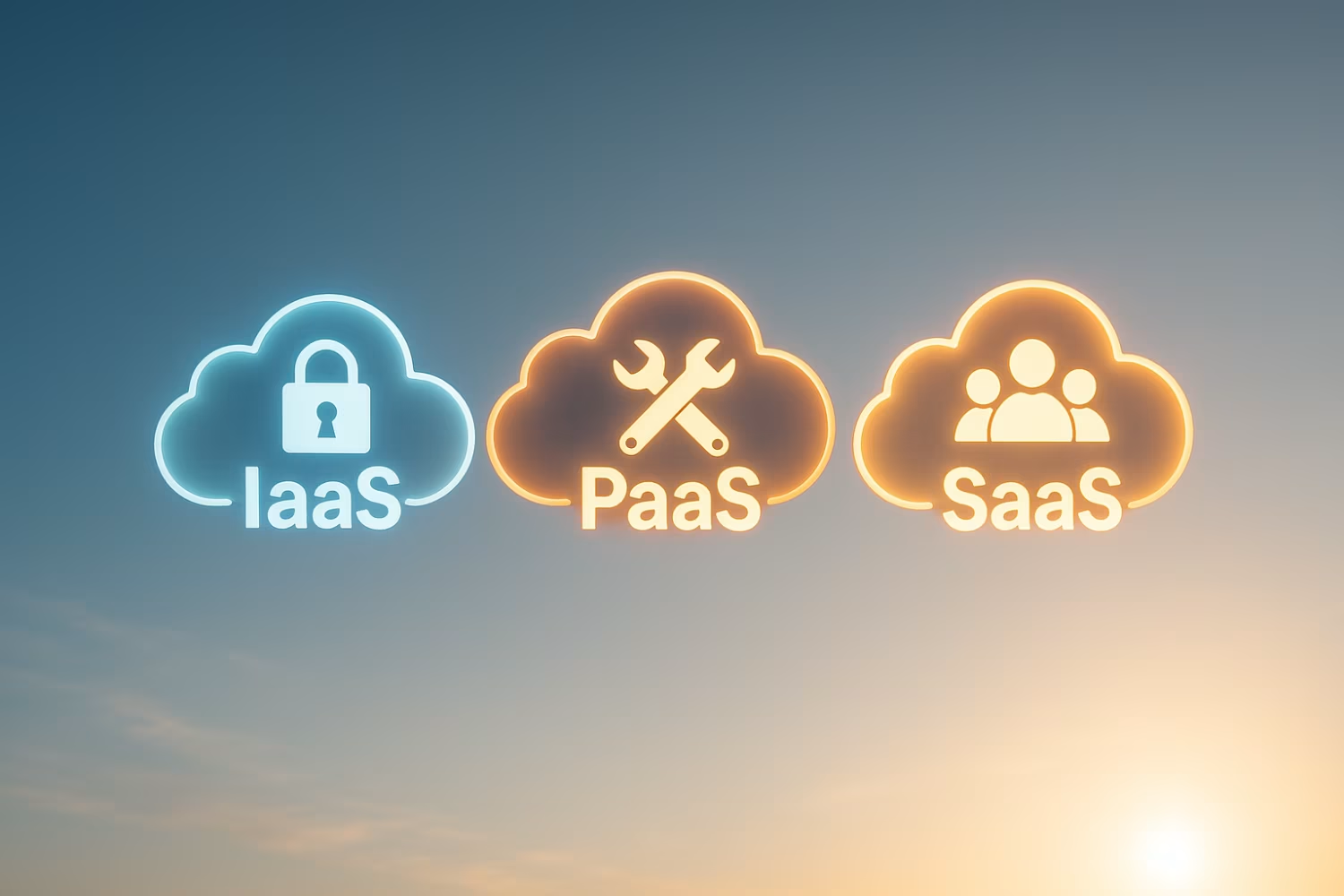
Each cloud service model offers unique advantages:
Understanding the difference between IaaS, PaaS, and SaaS helps you pick the right solution for your business. IaaS is like renting virtual machines and storage from a cloud provider. You control the operating system, apps, and data, but the provider manages the physical infrastructure. PaaS gives you a platform to build and deploy apps without worrying about servers or software updates. SaaS delivers complete software solutions through a web browser, so you just log in and use the app.
When you’re deciding between these models, think about your team’s technical skills, the complexity of your apps, and how much control you need. For example, a developer building a custom app may prefer PaaS, while a business that wants to use email or CRM software would choose SaaS. If you need to run legacy systems or have strict security requirements, IaaS might be the best fit.

Choosing the right cloud computing model can be challenging, but breaking it down into steps helps. Here are some key factors to consider when selecting between IaaS, PaaS, and SaaS.
If your team has strong IT skills, IaaS gives you the most control over infrastructure. If not, PaaS or SaaS can reduce the workload.
Are you looking to build custom apps, or do you need ready-made software? PaaS is best for app development, while SaaS is ideal for off-the-shelf solutions.
Some industries require strict data handling. IaaS lets you set up custom security, while SaaS and PaaS providers often handle compliance for you.
If you expect rapid growth, IaaS and PaaS make it easier to scale resources up or down. SaaS can be limited by the provider’s features.
If you have legacy apps or specific workflows, IaaS and PaaS offer more flexibility for integration. SaaS is best for standard processes.
Compare upfront costs, ongoing fees, and any hidden charges. IaaS can have variable costs, while SaaS and PaaS are usually subscription-based.
Before committing, try a small project on your chosen model. This helps you spot any issues and adjust your approach before scaling up.
When you’re ready to deploy cloud application services, start by mapping out your requirements. List the apps, data, and workflows you want to move to the cloud. Next, choose a cloud provider that matches your needs—look at their reliability, security features, and support options.
Once you’ve selected a provider, set up your environment. For IaaS, this means configuring virtual machines and storage. With PaaS, you’ll focus on building and deploying your app. For SaaS, you’ll set up user accounts and customize settings. Make sure to test everything before going live, and train your team on how to use the new system.
Finally, monitor your cloud resources regularly. Check usage, costs, and performance to make sure you’re getting the most value. Adjust your setup as your needs change, and stay updated on new features from your provider.

Managing different cloud computing service models can be simple if you follow a few best practices:
Staying proactive helps you get the most out of your cloud investment.

Are you one of the 45 users looking for the right cloud solution as your business grows? We know that choosing between IaaS, PaaS, and SaaS can feel overwhelming, especially when your team is busy with daily operations.
Our team at Slate Technology Solutions specializes in helping businesses like yours find the best cloud service model for their needs. We’ll guide you through every step, from planning and migration to ongoing support. If you want reliable systems and expert advice, contact us today.
The main difference between IaaS and PaaS is the level of control you have. With IaaS, you manage the operating system, apps, and data, while the provider handles the physical infrastructure. PaaS, on the other hand, gives you a platform to build and deploy apps without worrying about servers or updates. This makes PaaS ideal for developers who want to focus on coding, while IaaS is better for businesses needing more customization.
Both models use cloud resources and can be accessed through a web browser. Choosing between them depends on your technical skills and project needs.
SaaS applications are ready-to-use software delivered over the internet. You don’t need to install, update, or maintain the software—everything is managed by the provider. This saves time and reduces the need for in-house IT support.
SaaS is a type of cloud computing service that works well for businesses needing quick access to tools like email, CRM, or project management. All you need is an internet connection and a device to log in.
IaaS stands for infrastructure as a service. It provides virtual machines, storage, and networking through the cloud, so you don’t have to buy physical hardware. You control the operating system and apps, while the provider manages the data center and hardware.
Use IaaS when you need flexibility, want to run custom or legacy apps, or have specific security requirements. It’s also useful for businesses that want to scale resources up or down quickly.
Yes, many businesses use a mix of IaaS, PaaS, and SaaS to meet different needs. This is called a hybrid cloud approach. For example, you might use IaaS for custom apps, PaaS for development, and SaaS for email or collaboration tools.
Combining service models lets you take advantage of each one’s strengths. Just make sure your cloud provider supports integration and that your team understands how to manage the setup.
Cloud computing helps small businesses save money by reducing the need for physical hardware and IT staff. You pay only for what you use, and you can scale up or down as your needs change.
Other benefits include easy access to apps and data from anywhere, built-in security features, and automatic updates. Cloud computing also makes it easier to collaborate and support remote work.
Start by listing your requirements, such as security, compliance, support, and pricing. Compare major providers like AWS, Microsoft Azure, and Google Cloud to see which one fits your needs best.
Check their reliability, customer support, and available features. It’s also important to consider how easy it is to migrate your existing apps and data to their platform. Test with a small project before making a full commitment.