



Remote work security tips and best practices: Learn how to maintain security when employees work remotely and protect your business from security risks.

July 24, 2026
What we keep hearing from businesses is that remote work security often takes a back seat to convenience—especially when teams are rushing to meet deadlines from home. "The most common security gaps come from small habits, not big attacks." Industry research shows that over half of remote workers admit to using personal devices for work, which increases the risk of breaches.
Remote work security means protecting your company’s data, devices, and systems when employees are working outside the office. When you’re working remotely, you’re more exposed to threats like phishing, malware, and weak passwords. If sensitive information falls into the wrong hands, the impact can be serious. That’s why understanding how to maintain security when employees work remotely is essential for every business, no matter the size.
Remote work brings flexibility, but it also introduces new security risks that businesses need to manage. When your team is spread out, it’s harder to control how data is accessed, shared, and protected. This section covers the main risks to watch out for and why they matter.
Attackers know that remote workers are more likely to use unsecured networks or skip security steps. If you don’t address these risks, your business could face data loss, financial damage, or even legal trouble. Knowing what to look for is the first step to building a secure remote workforce.

Even experienced teams can overlook simple steps that keep remote work safe. Here are the most common mistakes and how to avoid them.
Weak or reused passwords make it easy for attackers to access accounts. Always use strong, unique passwords for every system, and update them regularly. Consider using a password manager to keep track of them safely.
Multi-factor authentication adds an extra layer of protection by requiring more than just a password. If you skip this step, you make it much easier for someone to break in, even if they know your password.
Public or home wi-fi can be vulnerable to eavesdropping. When working from home or in public places, always use a secure connection and avoid sending sensitive information over open networks.
A virtual private network (VPN) encrypts your internet traffic, making it much harder for attackers to intercept your data. Not using a VPN leaves your company’s information exposed.
Antivirus tools and other security software help detect and block malware before it can cause harm. If your devices aren’t protected, you risk letting malicious software into your network.
Remote workers often use laptops, tablets, or phones for business. If these devices aren’t secured with strong passwords, encryption, and regular updates, they can be easy targets for attackers.
Every device that connects to your network is a potential entry point for threats. Make sure all endpoints are monitored and protected to reduce your vulnerability.
A secure remote workforce relies on a few key features:
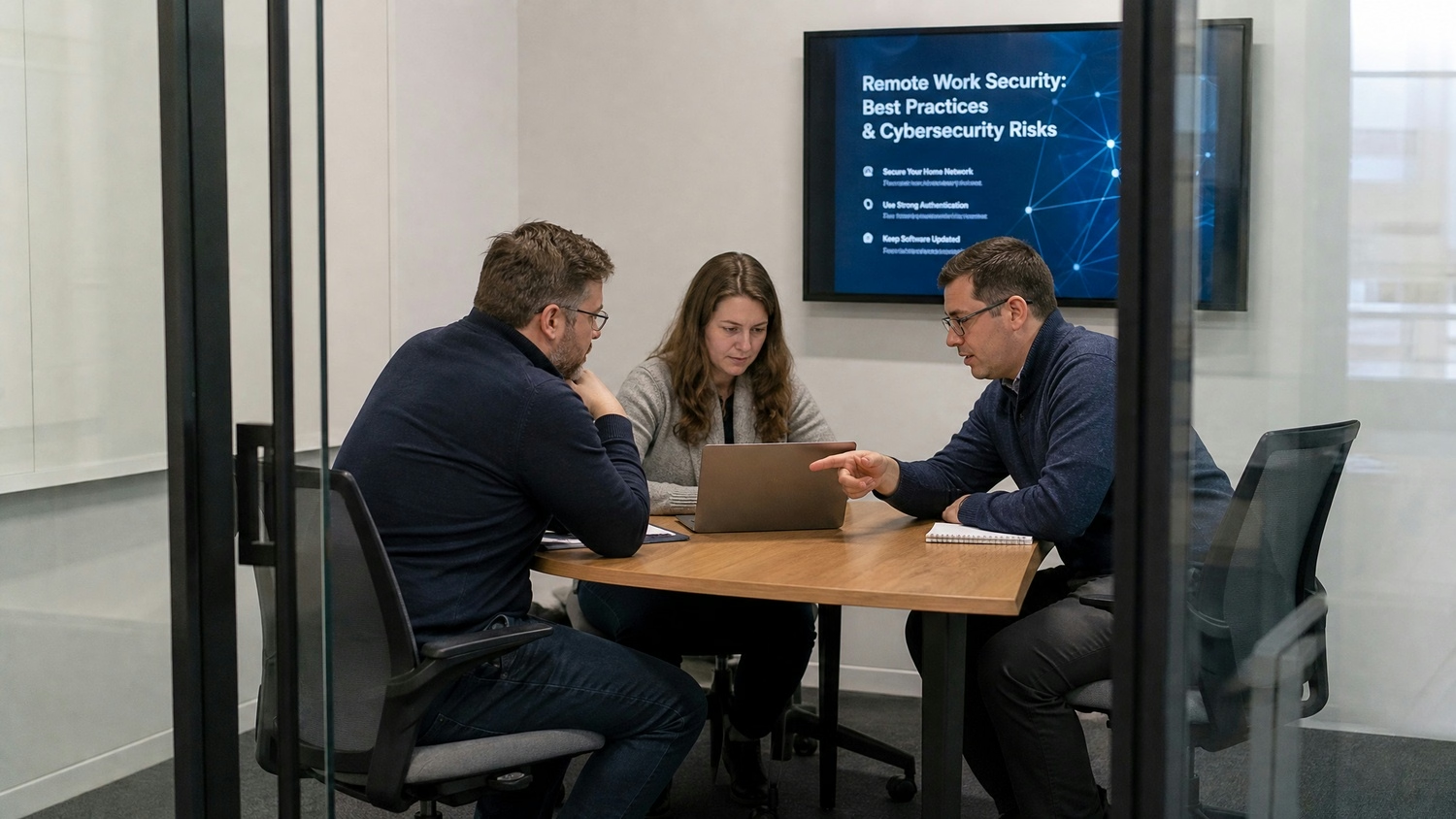
Following remote work security best practices is the best way to reduce risk. Simple steps—like using strong passwords, enabling multi-factor authentication, and keeping software up to date—can stop most attacks before they start. Training your team to spot phishing attempts and avoid suspicious links is just as important.
When you set clear rules and provide the right tools, you help employees make smart choices, even when they’re working from home. Consistent, company-wide best practices for securing data and devices make it much harder for attackers to find a way in.
Remote workers face unique challenges, but there are proven ways to stay safe. Here’s how to build a secure environment for everyone on your team.
Make sure your home wi-fi uses a strong password and the latest encryption (like WPA3). Change the default settings on your router to reduce the risk of unauthorized access.
Always connect to your company’s network through an approved VPN. This keeps your internet traffic private and protects sensitive information from prying eyes.
Avoid using personal devices for work tasks. If you must, make sure they have up-to-date antivirus software and only access company data through secure channels.
Install updates for your operating system, antivirus, and other security tools as soon as they’re available. Updates often fix vulnerabilities that attackers could exploit.
Be cautious with emails, messages, or calls asking for sensitive information. Always verify the sender before clicking links or sharing details.
Use encryption tools to protect files that contain confidential or sensitive information. This adds another layer of defense if a device is lost or stolen.
If you notice anything unusual—like unexpected login attempts or strange emails—report it to your IT team right away. Quick action can prevent a small issue from becoming a major breach.

Putting remote work security into practice takes planning and commitment. Start by assessing your current setup—look for gaps in device security, network protection, and employee training. Then, create clear policies that outline what’s expected from everyone, including how to handle sensitive data and what to do if there’s a security incident.
Invest in reliable systems like VPNs, endpoint protection, and centralized security software. Make sure your team knows how to use these tools and understands why they matter. Regular check-ins and updates help keep security top of mind as your business grows.
To keep your remote workforce protected, follow these best practices:
Sticking to these habits helps prevent the most common threats and keeps your business running smoothly.
Are you one of the 45 users looking for a better way to secure your remote team? If your business is growing and you want to protect your data, devices, and reputation, we’re here to help.
We understand the challenges of remote work security and know how to maintain security when employees work remotely. Our team at Slate Technology Solutions offers tailored solutions, from VPN setup to endpoint protection and employee training. Contact us today to find out how we can make your remote work environment safer and more reliable.
Protecting sensitive information starts with using encryption tools and secure connections. Always avoid sending confidential data over public wi-fi, and make sure your devices are password-protected. Regularly update your antivirus software to defend against malware that could steal your information.
It’s also smart to use a virtual private network (VPN) whenever you access company files. This creates a secure tunnel for your data, making it much harder for attackers to intercept or breach your systems.
Remote workers face risks like phishing emails, ransomware attacks, and social engineering scams. Attackers often try to trick you into giving up your password or clicking on malicious links.
Keeping your laptop and mobile devices updated with the latest security patches helps reduce these risks. Training on how to spot suspicious messages is also key to staying safe.
Multi-factor authentication adds a second step to the login process, making it much harder for attackers to access your accounts—even if they know your password. It’s one of the best practices for securing remote workforces.
By requiring something you know (like a password) and something you have (like a phone code), you greatly reduce the risk of unauthorized access. This is especially important when working from home or on public networks.
Start by changing your home wi-fi’s default password and enabling the strongest encryption available, such as WPA3. Avoid using public wi-fi for work whenever possible.
Regularly check your router for firmware updates and disable features you don’t use. This helps close vulnerabilities that could let attackers in.
If you notice anything unusual—like unexpected pop-ups, slow device performance, or strange login attempts—report it to your IT team immediately. Quick reporting can prevent a small problem from turning into a major breach.
Disconnect from the internet if you think your device is compromised. Run a full antivirus scan and avoid using the device for sensitive tasks until it’s checked by a professional.
Mobile devices can be safe for remote work if you follow security tips like enabling device encryption, setting strong passwords, and keeping software updated. Avoid downloading apps from unknown sources.
Use a VPN when accessing company data from your phone or tablet. This helps protect your information from attackers who target vulnerabilities in mobile operating systems.